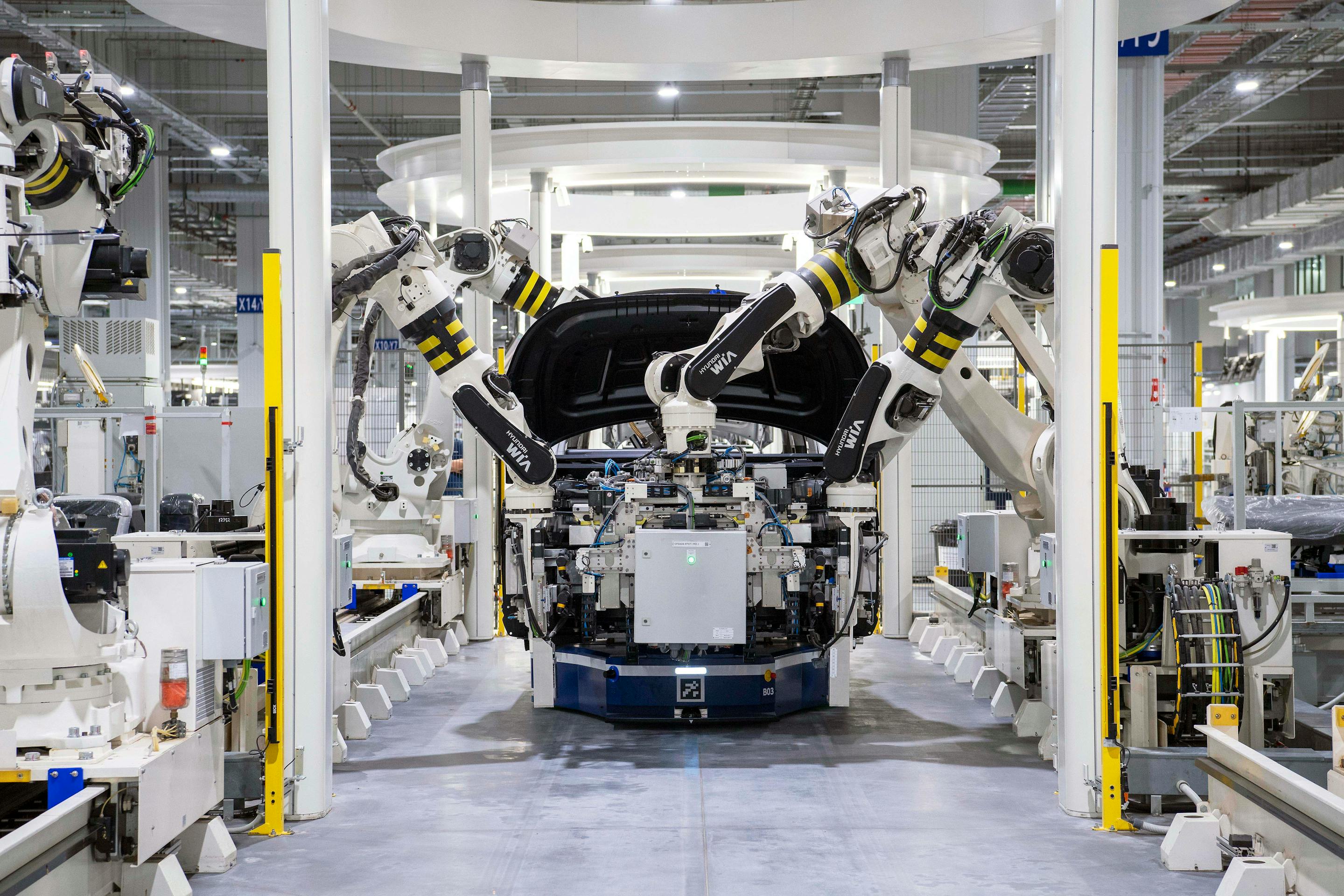
We retire the work nobody likes doing
The forms, the spreadsheets, the copy-paste, the 'did anyone send the report yet?' — we take them off your team and put them on rails.
What process automation with OpSolid looks like
- Map the end-to-end workflow — handoffs, tools, data, exceptions — clearly enough that the team can audit it.
- Identify which steps are automation-worth and which should stay manual on purpose.
- Build the automation on Power Automate, Make, n8n, Python or custom code — whichever fits.
- Monitor, document and hand over so your team owns the workflow afterwards.
Workflows we have automated
- 01
Quote and document generation
Templates filled from CRM data, approved in a workflow, and sent — quotes leave the same day.
- 02
Email classification and routing
Inbound mail tagged by topic and pushed to the right inbox or ticket queue — no manual triage.
- 03
Reporting and Excel automation
Recurring reports built once and rebuilt automatically — KPIs ready when the meeting starts.
- 04
CRM / ERP data synchronisation
Data flows once between systems and reconciles itself — no double entry.
How a process automation engagement runs
- 01
Map
Workshop with the team that actually does the work. We write down the workflow as it really runs.
- 02
Build
We implement the first pilot automation — usually within two to four weeks.
- 03
Operate
Documentation, handover, and a short period of iteration before you take it over.
Process automation — common questions
What's a typical first project?
A single high-leverage workflow — quote generation, email triage, or a weekly report. Fixed scope, two to four weeks.
Do we need to replace our tools?
No. We automate on top of what you have — Microsoft 365, Google Workspace, your CRM, your ERP.
What if the process changes later?
Most automations are documented so your own IT team can adjust. For bigger changes, we offer a small monthly retainer.
Is it safe to automate critical processes?
Yes — with proper logging, error handling and a manual fallback. We design for the failure case, not just the happy path.
Pick the first workflow worth automating.
We map it, score it and tell you whether it's worth the effort.